
How to sign up for AI Parent
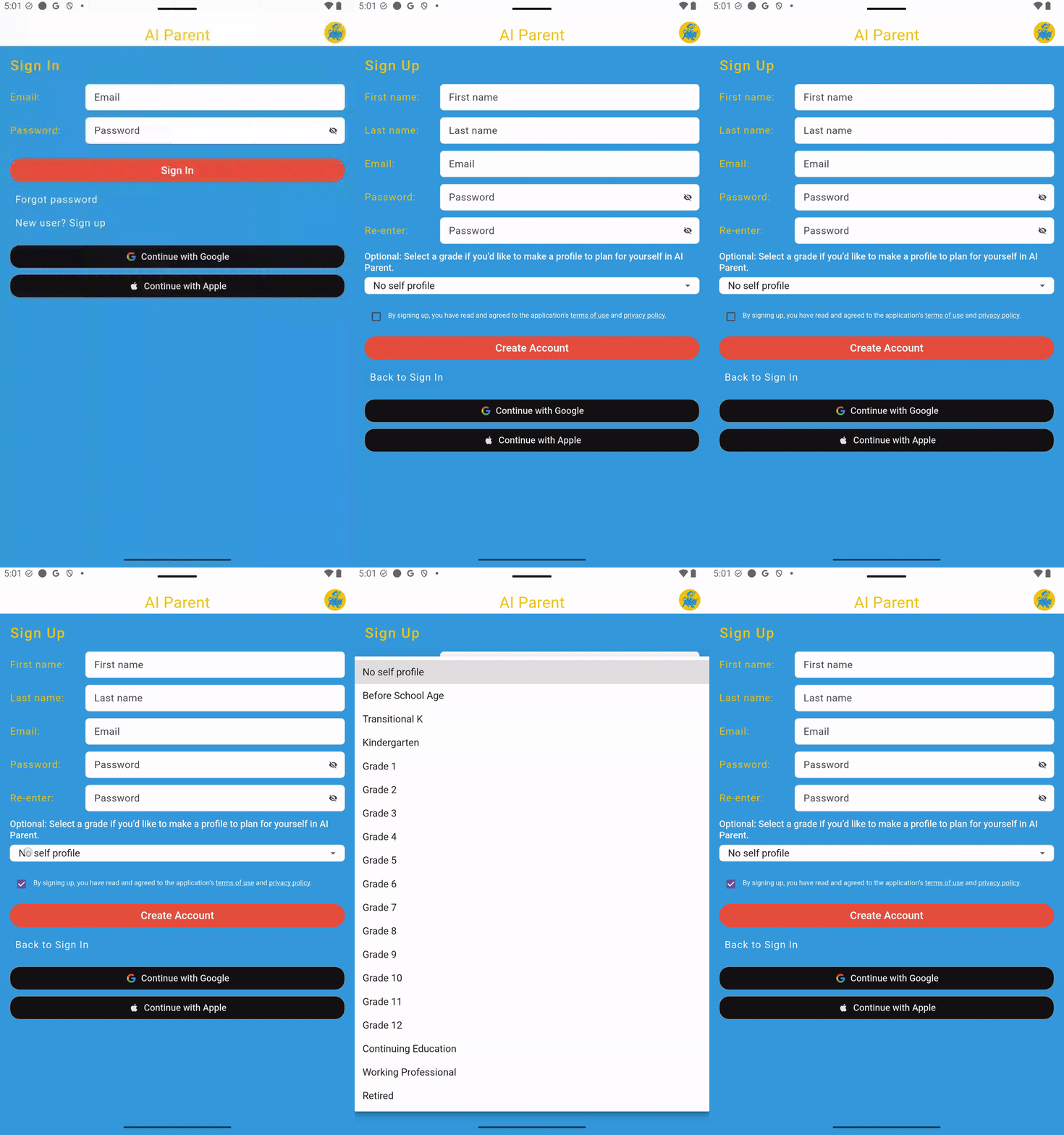
Create an AI Parent account using email and password, Google, or Apple. Choose the method you want to use when signing in to the app later.
Sign-up methods: Email and password, Google, or Apple.
Sign up with email and password
- Open AI Parent and select the option to create an account.
- Enter your email address and create a password.
- Continue through the account setup prompts.
Email and password users may also see a brief option to create their first profile during sign-up. You can complete the profile setup at that time or skip it and create a profile later from the Profile page.
Sign up with Google
- Choose Continue with Google.
- Select the Google account you want to use.
- Follow the prompts to finish creating your AI Parent account.
Sign up with Apple
- Choose Continue with Apple.
- Confirm the Apple ID and account-sharing options you want to use.
- Complete Apple’s authentication prompt to create the account.
Use the same method when returning
After signing up, use the same email, Google account, or Apple account when you return to AI Parent. This helps you open the correct account and access its saved information.