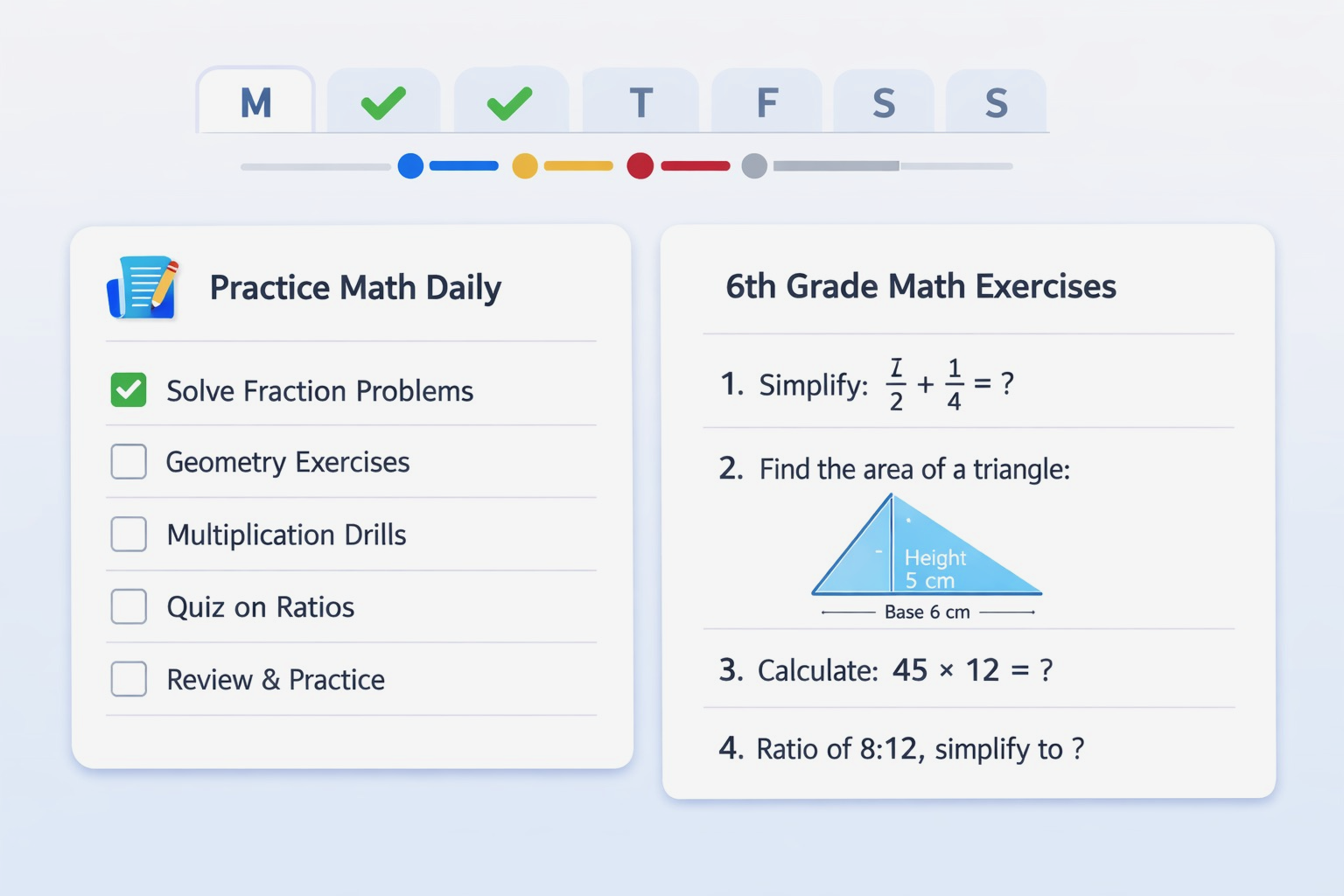
Discover the updated Math Game in AI Parent V4.0.0! Practice new Continuing Education and Working Professional math topics, build practical skills, and keep learning with every round. Available to Premium subscribers.

Create plans with daily tasks for anyone, from Before School Age to Retirement.
AI Parent is an AI-powered family planner and parenting app that helps busy families turn goals into simple routines, schedules, and daily tasks. Create personalized education, sports, wellness, homework, workout, or custom plans — then follow them in the app.
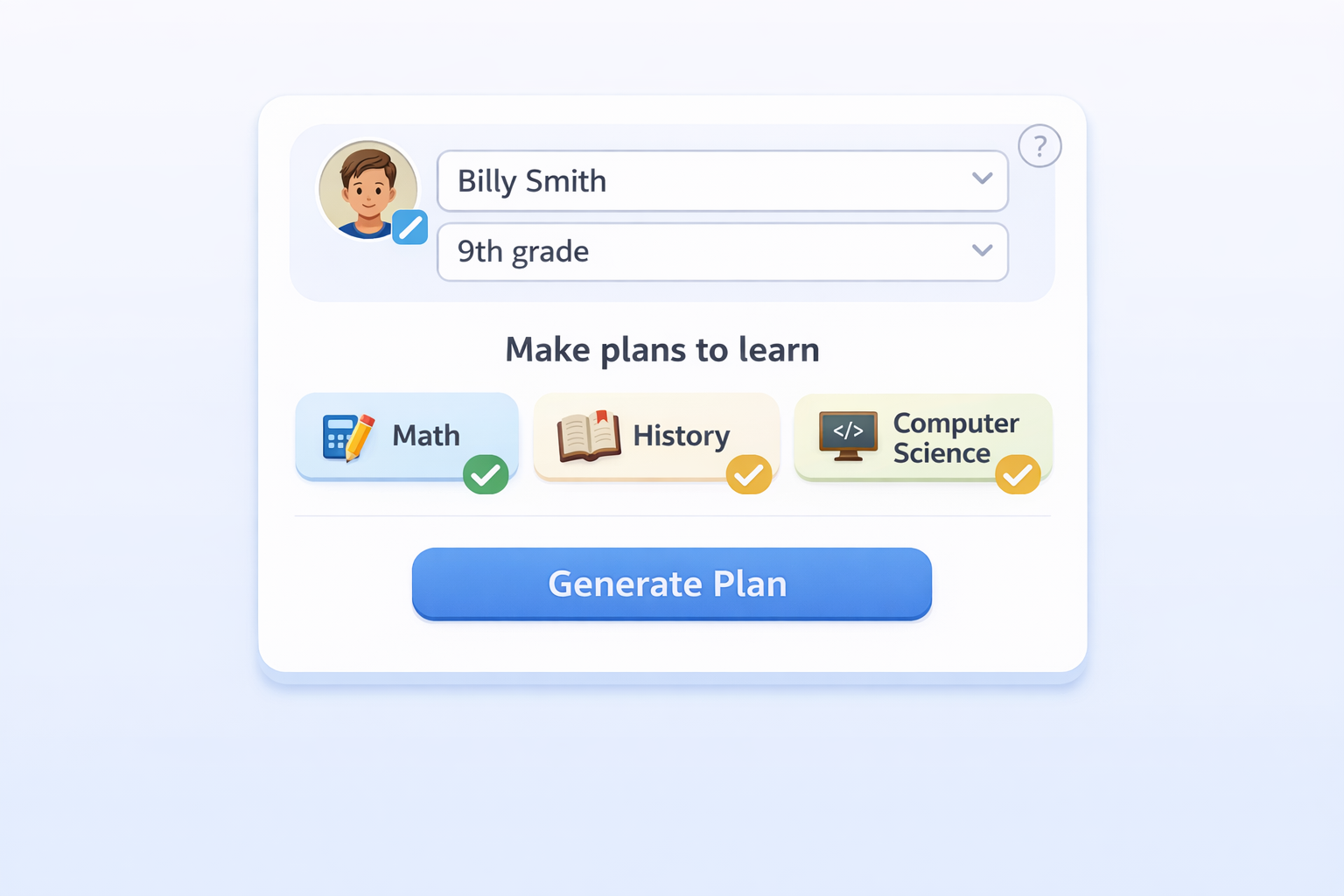
Create a profile
With only name and grade, create a profile for a child, student, family member, or yourself.
Make a plan
Use the Planning page to choose a plan type, select or enter a goal, and generate one plan at a time.
Save and follow daily
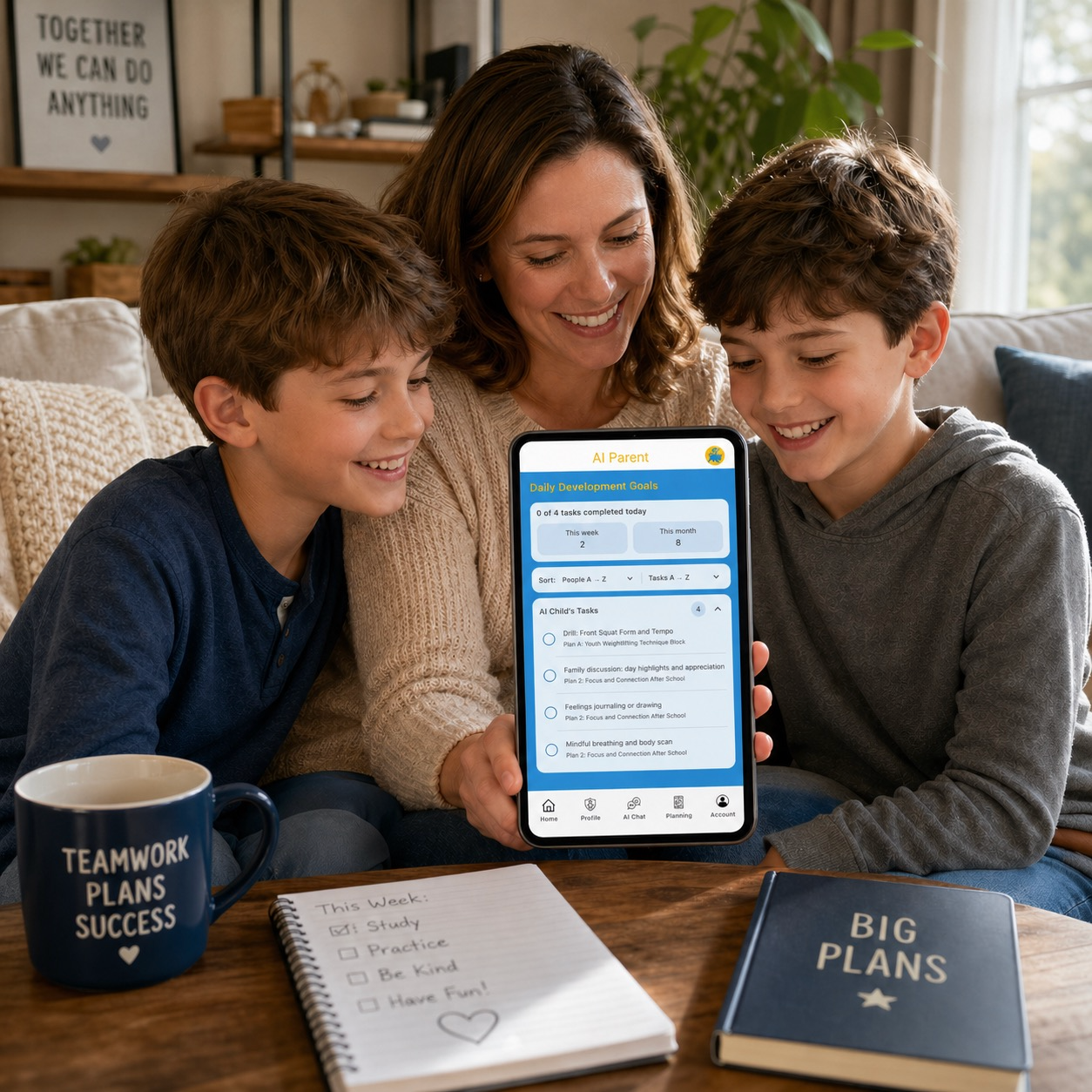
Saved plans are organized under each person on the Profile page. Daily tasks appear on Home for checkoff.




How to use AI Parent
Program in everyday routines. Make new plans. Keep up, one day at a time.
-
Make a new plan
Develop a new habit.
Start with a challenge or goal. Ask AI Parent Chat for ideas, then create a profile and make a plan in Planning. Review and save it to turn your next steps into scheduled tasks.
Seven common family challenges
- Balancing busy family schedules
- Reducing screen time
- Keeping up with homework
- Building cooperation and good behavior
- Improving morning and bedtime routines
- Making time for wellness and connection
- Organizing groceries and household spending
Try a new habit“Help me build a daily reading habit for my child.”
-
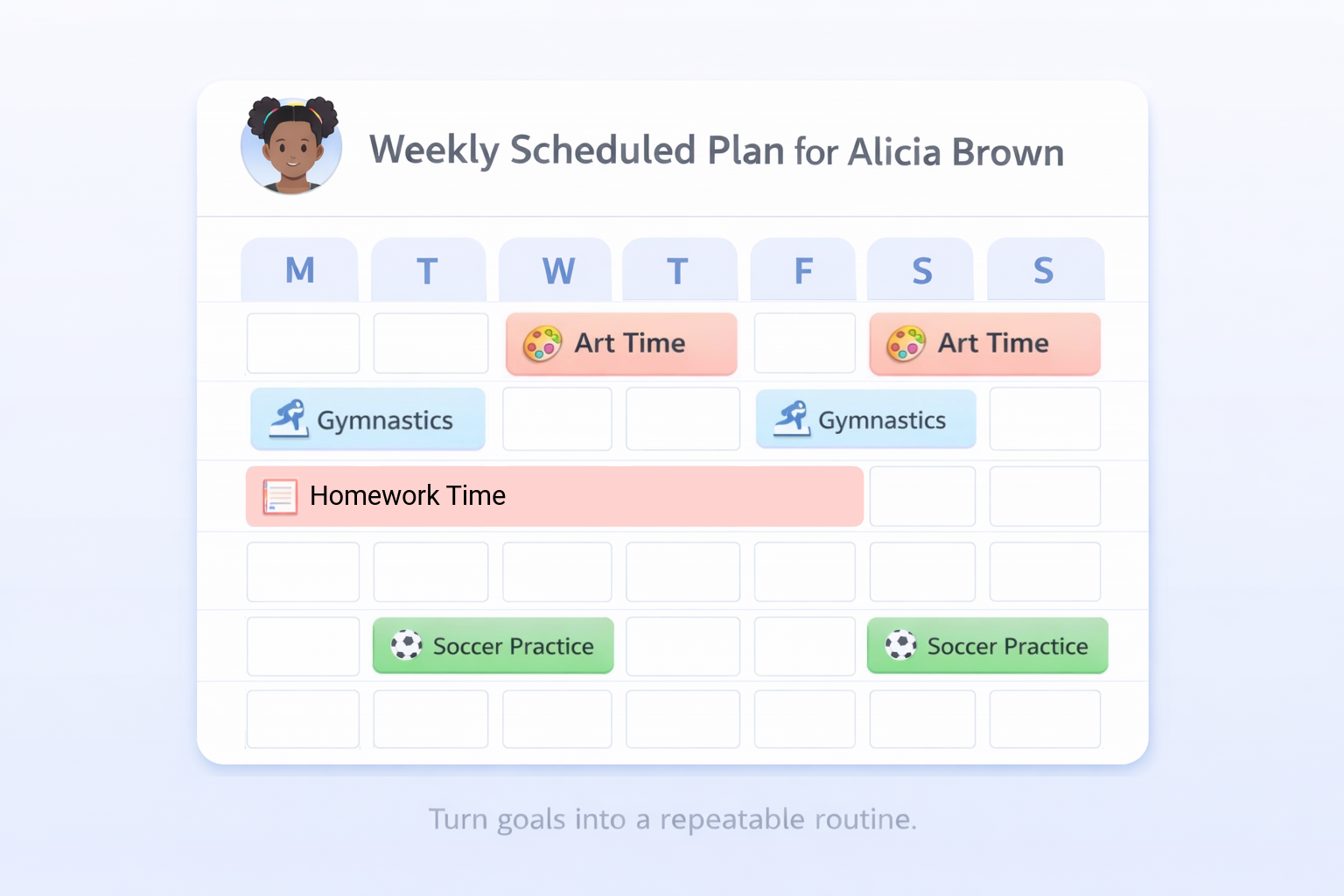
Program your routines
Maintain good habits. Replace bad ones.
Bring routines you already follow into AI Parent. Choose a matching goal or use Custom, include the days and times you need, then review and save the schedule. Keep a good habit going or plan a better replacement for a bad one.
Seven routines your family already does
- Meals and packed lunches
- Hygiene and getting dressed
- Transportation, drop-offs, and pickups
- Homework, reading, and study time
- Chores, laundry, and tidying up
- Exercise, sports, and active play
- Winding down and getting ready for bed
Keep or change a habit“Keep our nightly toothbrushing routine, and replace bedtime screen time with reading.”
-
Keep up every day
Use a method to stay consistent.
Check in at a regular time each day. Enable notifications, follow your scheduled tasks, and mark them complete. See your progress, earn points, and level up as you keep going.
Your daily consistency method
- Enable notifications for AI Parent in your device settings.
- Open Home daily to check scheduled tasks.
- Do each task and mark it complete in the app.
- See your progress as task completions add up.
- Adjust and return when your routine changes or you miss a day.
One completed task. One point.Build consistency and level up your productivity game!
What you can plan with AI Parent [endless possibilities]
- Education plans for reading, writing, math, science, and study habits
- Sports plans for practice routines and skill-building
- Wellness plans for healthy habits, mental support, bedtime, stress reduction, and family routines
- Family bonding plans for staying connected with aging parents, adult children, and other loved ones through regular check-ins and meaningful conversations
- Workout plans for building a consistent exercise routine
- Homework plans for building a consistent routine around assignments and schoolwork
- Attendance plans for helping students show up consistently when school is in session
- Custom plans for work tasks, chores, pet care, language learning, music practice, continuing education, senior care routines, and more
Popular guides
Helpful step-by-step guides for your planning needs.
Built for trust
Parents download when it feels safe, simple, and transparent.
From goal to plan