V2.2.3 is here with leveling! Complete tasks, keep your streak alive, and work your way up to Level 80: Master Planner.
Built for busy parents • Before school age, TK–12 + continuing education students
Turn big goals into simple daily routines.
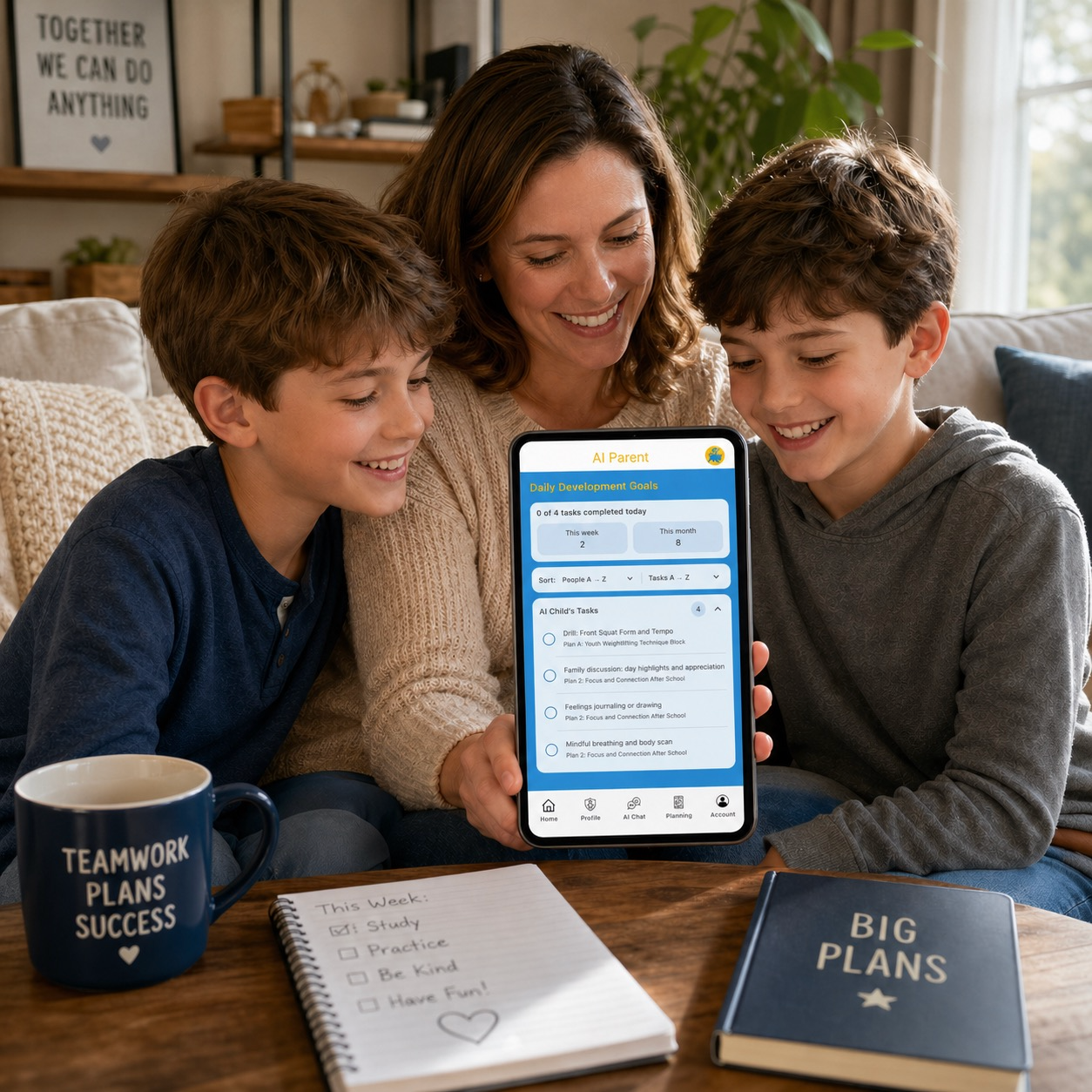
AI Parent helps busy families turn goals into simple routines. Create personalized education, sports, wellness, homework, and custom plans for children, students, or yourself — then follow daily tasks in the app.
Step 1
Create a profile
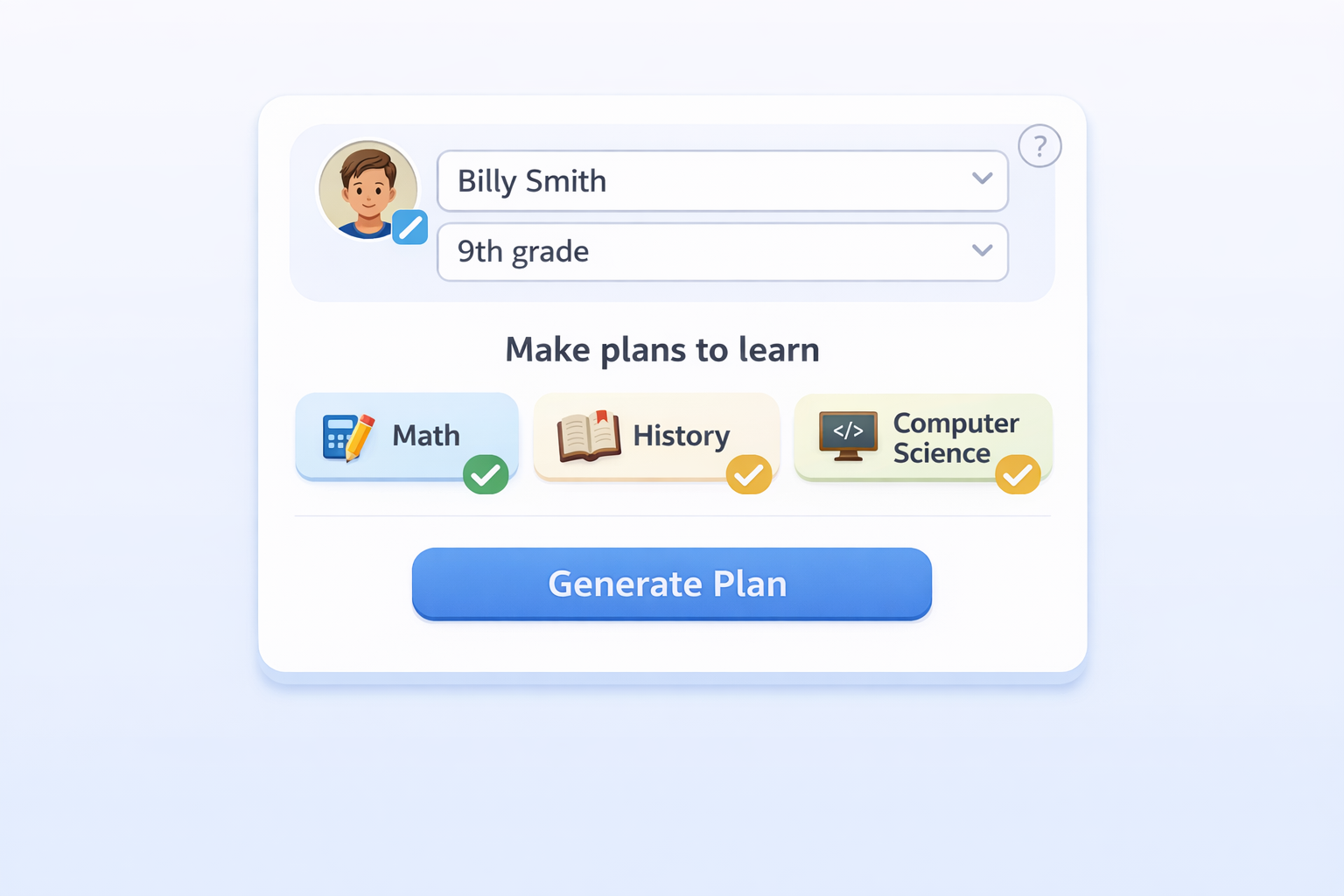
With only name and grade, create a profile for a child, student, family member, or yourself.
Step 2
Make a plan
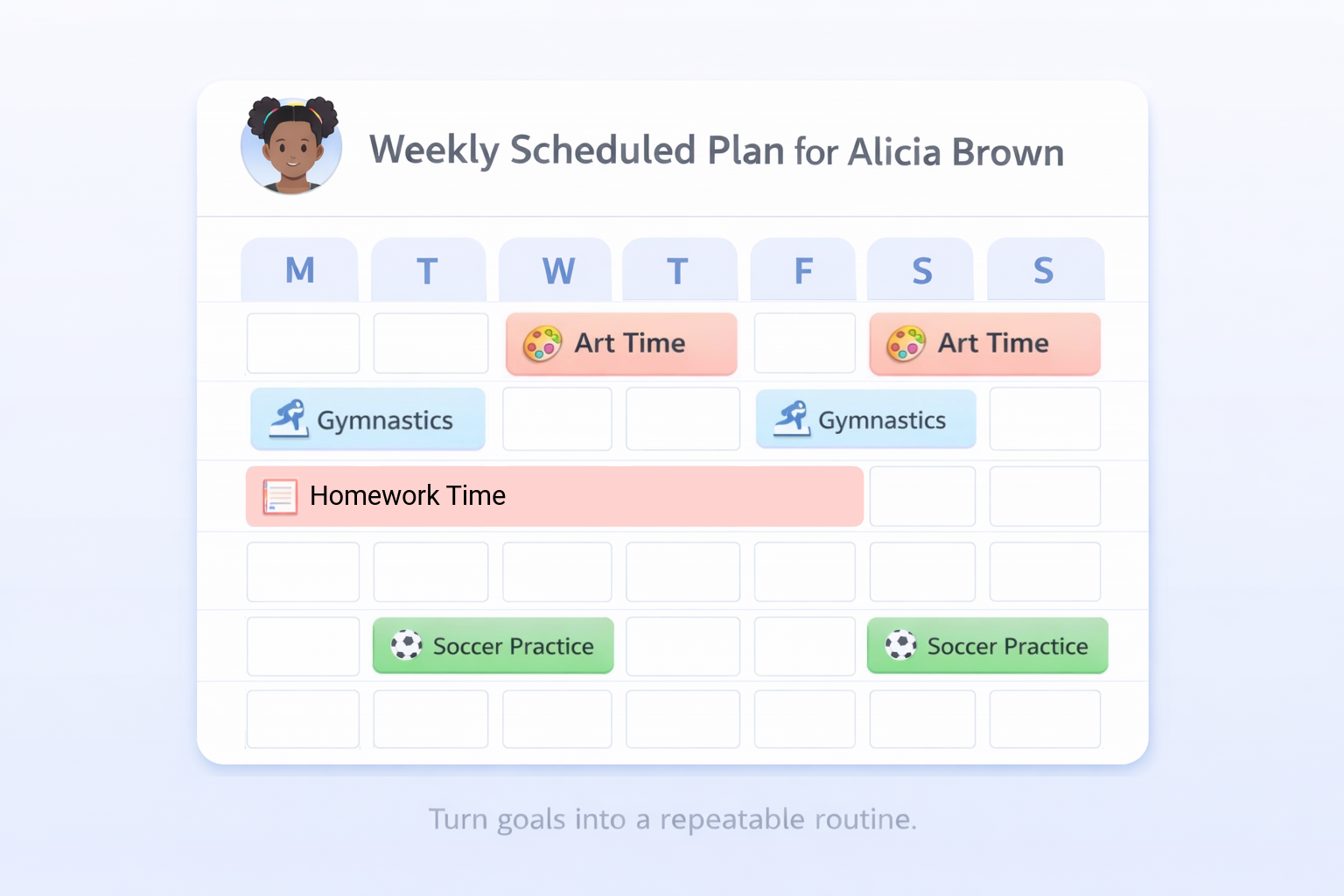
Use the Planning page to choose a plan type, select or enter a goal, and generate one plan at a time.
Step 3
Save and follow daily
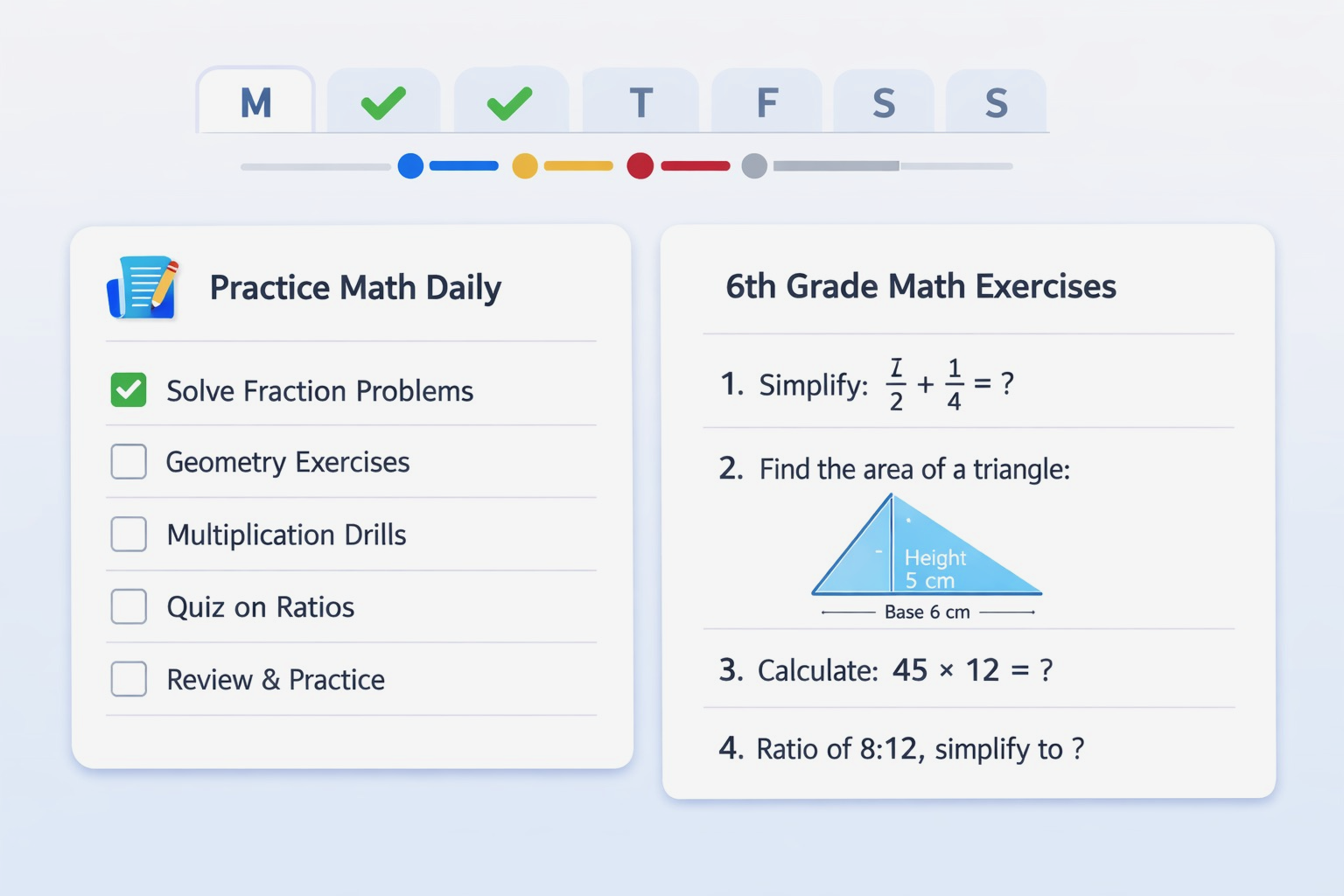
Saved plans are organized under each person on the Profile page. Daily tasks appear on Home for checkoff.
Download
Get AI Parent


What you can plan with AI Parent
- Education plans for reading, writing, math, science, and study habits
- Sports plans for practice routines and skill-building
- Wellness plans for healthy habits, sleep, stress reduction, and family routines
- Homework plans for building a consistent routine around assignments and schoolwork
- Attendance plans for helping students show up consistently when school is in session
- Custom plans for work tasks, chores, pet care, language learning, music practice, continuing education, senior care routines, and more
Popular guides
Designed for long-tail searches, written for real parents.
Built for trust
Parents download when it feels safe, simple, and transparent.
From goal to plan